Request a Demo

Guidebook Gears

Find out about how you can build and manage your guide through our robust CMS.

Simplifying content management

Guidebook Gears is our simple system for adding and updating content in your guide. From within Gears, you can easily put in all of the stuff that you want your attendees to have, including schedules, maps, information, pictures, and logos.

Add New Information

Putting content into the guide is easy! Simply fill in the blanks in our online form to add session titles, descriptions, locations and any other information. Use our handy widgets, such as our data importer, to add lots of information at once.

Preview Guides Instantly

Want to know what your guide looks like in the app? You can preview it directly on your phone or tablet at any time without having to publish it for the world to see. Gears will give you a preview code that allows you to see and interact with the guide before you publish it for your attendees.

Multiple Editors

Make your co-planner(s) editor(s) of your guide, so you can all work efficiently in Gears at the same time or independently. You can have as many editors of your guide as you need.

Import Existing Information

With Guidebook, there is no need to duplicate effort. If you already have your information in a spreadsheet or an iCal feed, you can easily import it.

Plenty of Customization

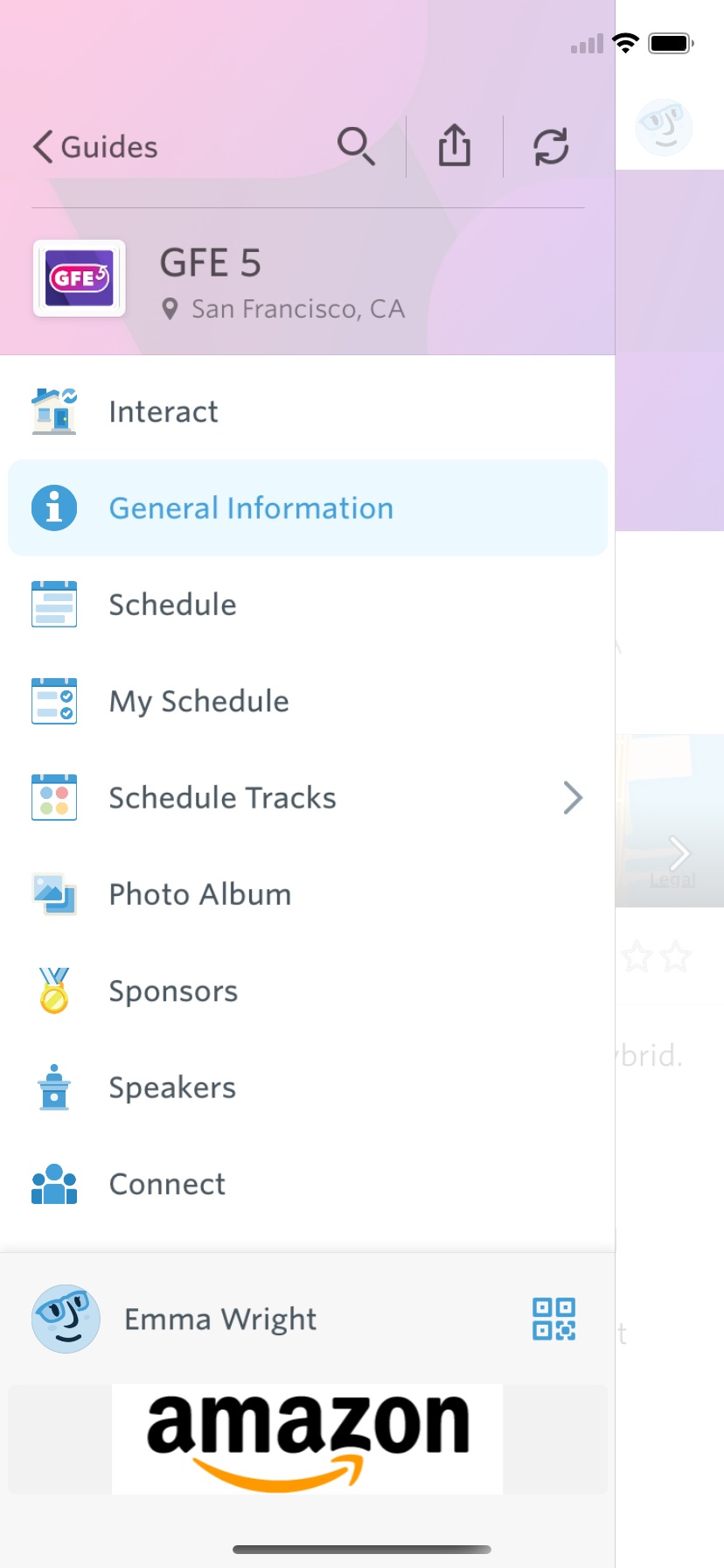
Add your logo to brand the guide, and put in custom icons for different sections.

Drag and Drop Editing

Want to rearrange the sections of your guide, or move items around within a section? In the “Manage Layout” section, all you have to do is click on an item, drag it where you want it, and drop it.

Instant Updates

Anytime the event organizer makes a change to the guide, it will be instantly available to everyone using the guide. Optionally, you can add a message to inform users of the change when they next open up the guide.