A Smaller School?
Deliver a polished, branded event experience without a large team or a big budget.
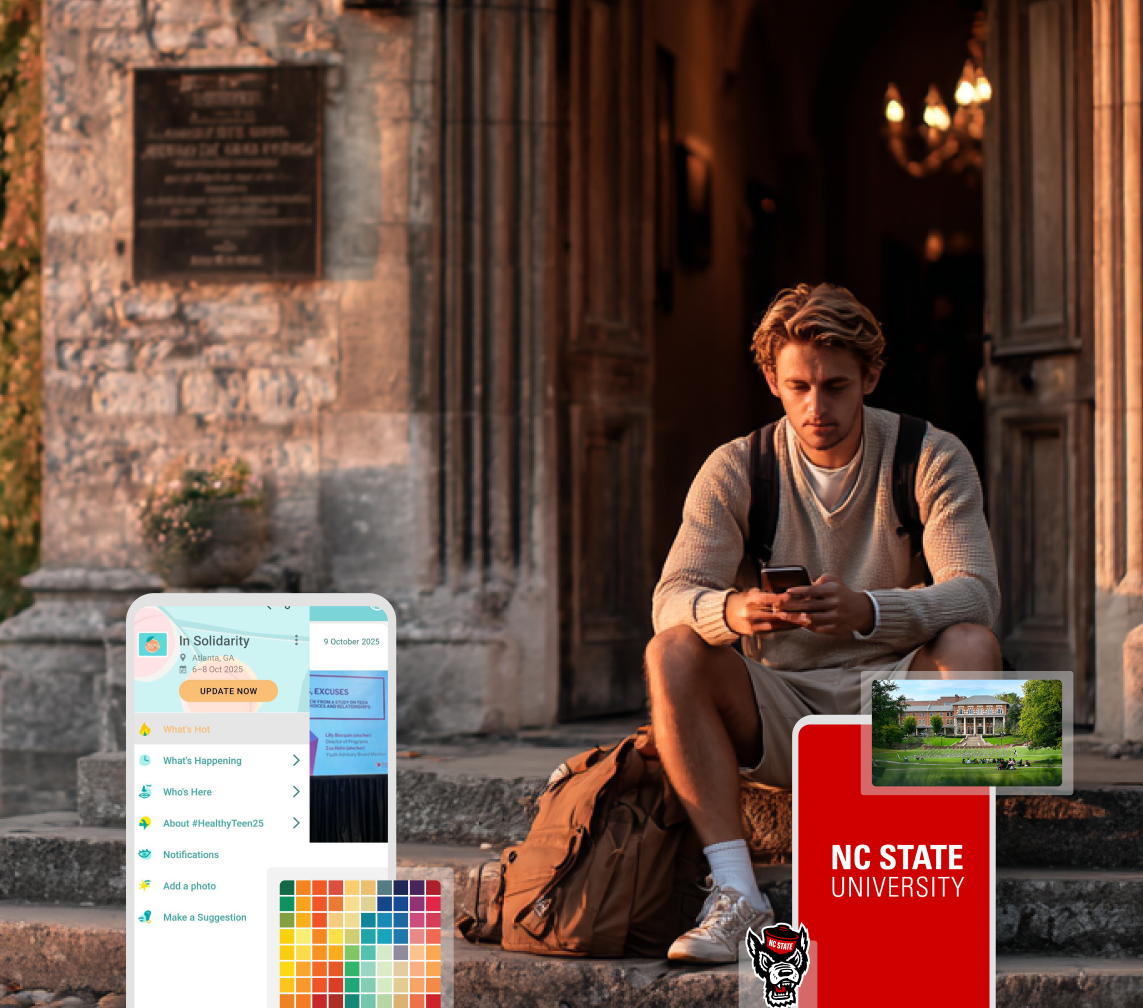
A Smaller School?
Deliver a polished, branded event experience without a large team or a big budget.
Running Family Programs?
Give families everything they need, from schedules and maps to real-time updates, all in one place.
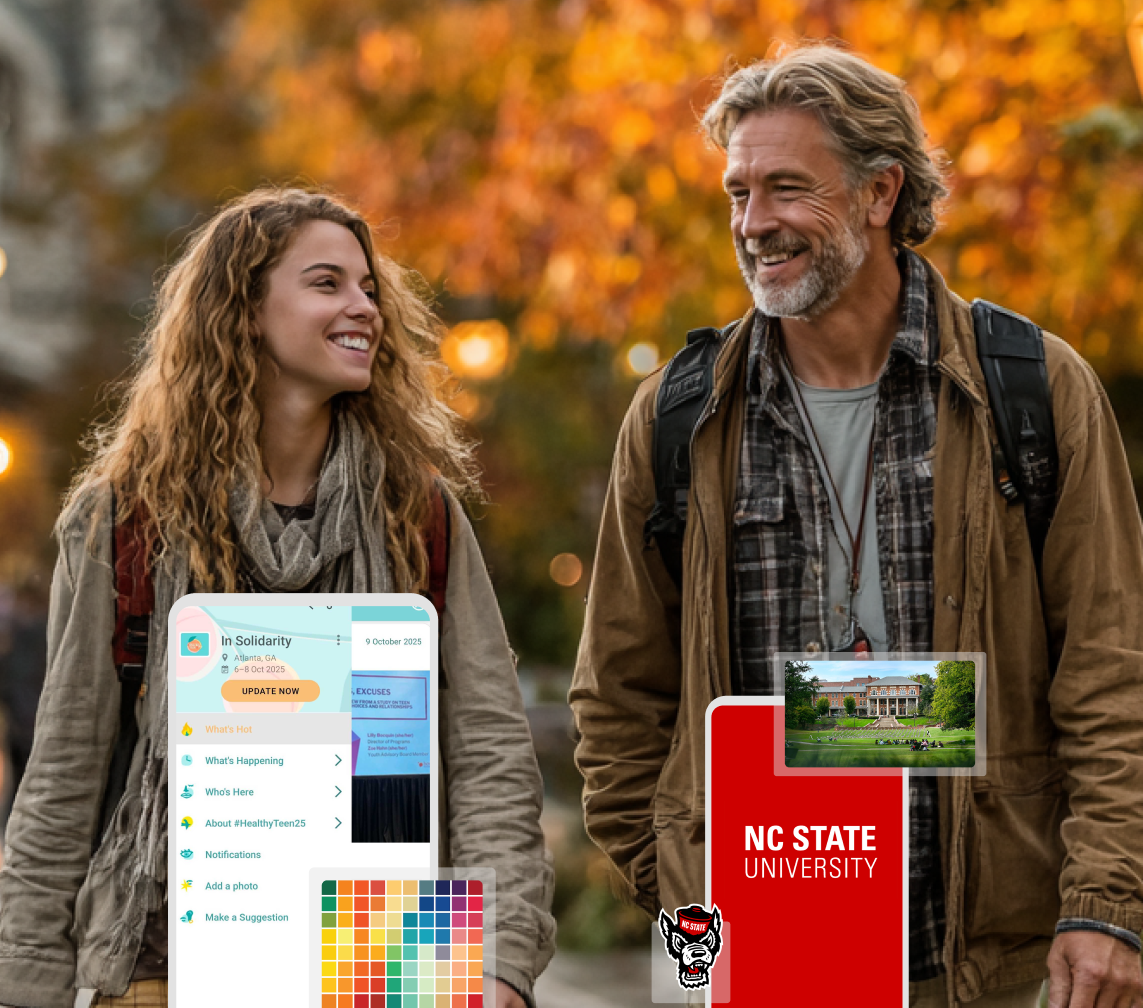
Running Family Programs?
Give families everything they need, from schedules and maps to real-time updates, all in one place.
Coordinating Move-In Day?
Share updates, manage events, and keep students informed from move-in through the academic year.

Coordinating Move-In Day?
Share updates, manage events, and keep students informed from move-in through the academic year.
Offering Campus Tours?
Deliver branded, self-guided tour experiences with interactive maps and rich media, available 24/7.

Offering Campus Tours?
Deliver branded, self-guided tour experiences with interactive maps and rich media, available 24/7.
Organising a Career Fair?
Simplify logistics for students, employers, and Career Services staff with one easy-to-use app.

Organising a Career Fair?
Simplify logistics for students, employers, and Career Services staff with one easy-to-use app.
Managing Alumni Events?
Plan reunions, regional events, and fundraising campaigns with an app built for alumni engagement.
Managing Alumni Events?
Plan reunions, regional events, and fundraising campaigns with an app built for alumni engagement.
Boost Student Engagement
One hub for schedules, resources, and events that keeps students connected throughout the academic year.
Boost Student Engagement
One hub for schedules, resources, and events that keeps students connected throughout the academic year.
Planning Orientation?
Help new students feel prepared from day one with schedules, campus resources, and real-time updates in one app.
Planning Orientation?
Help new students feel prepared from day one with schedules, campus resources, and real-time updates in one app.
Running Admissions Events?
Manage open houses, tours, and yield events with a branded app that saves time and engages prospective students.

Running Admissions Events?
Manage open houses, tours, and yield events with a branded app that saves time and engages prospective students.
5 Ready-to-Use Sponsorship Package Templates
Stop starting from scratch. Grab free templates that help you build professional sponsorship packages and close deals faster.

5 Ready-to-Use Sponsorship Package Templates
Stop starting from scratch. Grab free templates that help you build professional sponsorship packages and close deals faster.
Plan Your Next Event Without Missing a Beat.
From venue selection to post-event wrap-up, this free checklist walks you through every step (so nothing falls through the cracks).
.png)
Plan Your Next Event Without Missing a Beat.
From venue selection to post-event wrap-up, this free checklist walks you through every step (so nothing falls through the cracks).
Real Results From Real Events
100,000+ organizations trust Guidebook. See exactly how universities, associations, enterprises, and more put it to work.

Real Results From Real Events
100,000+ organizations trust Guidebook. See exactly how universities, associations, enterprises, and more put it to work.
Flexible pricing for every event size
Find the perfect plan for your needs, from intimate gatherings to large-scale conferences.

Flexible pricing for every event size
Find the perfect plan for your needs, from intimate gatherings to large-scale conferences.
Join our event experts
Watch on-demand webinars and join live sessions with industry leaders sharing best practices for event success.
.jpeg)
Join our event experts
Watch on-demand webinars and join live sessions with industry leaders sharing best practices for event success.
Guidebook in Action
Book a personalized walkthrough and discover how we help event teams create better attendee experiences.
Guidebook in Action
Book a personalized walkthrough and discover how we help event teams create better attendee experiences.
.png)
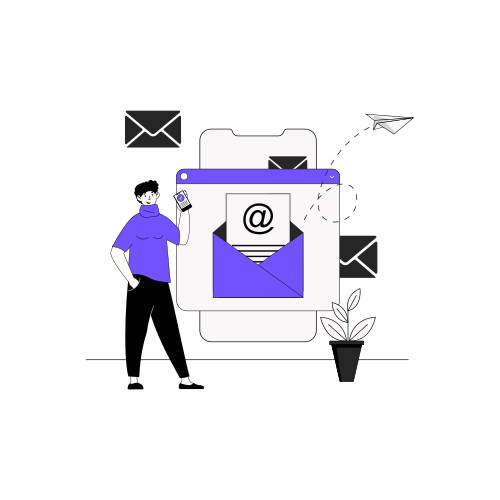
Event Email Templates: Built for Every Device and Every Inbox
Event planning moves fast, and your emails need to keep up. When a message looks off, loads poorly, or breaks in someone's inbox, it creates extra friction right when you need things to feel simple.
That’s why we’re excited to announce a major Builder upgrade: over 100 email templates have been rebuilt. That means:
- Better performance.
- Modern responsive email design
- Reliable rendering across platforms.
In short, every part of your Guidebook workflow just got a better email experience.
Let’s take a closer look!
When event emails don’t render right, everything feels harder
Your email communications do a lot of heavy lifting before, during, and after an event.
When they’re not optimized, seemingly small issues can quickly become nagging frustrations. For example:
- A registration email is hard to read on mobile.
- An invitation looks different in Outlook than it does in Gmail.
- Important actions get buried in cluttered layouts.
- Branding feels inconsistent across attendee touchpoints.
None of the above helps you create a smooth event experience. And when you’re juggling a hundred other details, you shouldn’t have to worry about whether your event email templates will display correctly.
What’s improving in Builder emails
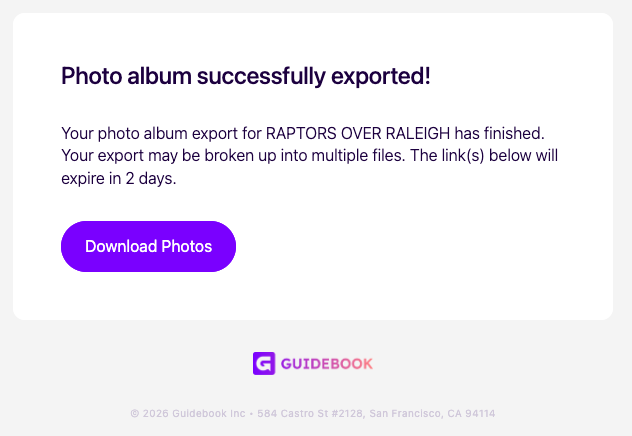
Although this update is largely behind the scenes, the impact is easy to see. Here’s what’s new in Guidebook’s Builder email templates.
1. Fully responsive layouts for every screen
Every updated template is built to be fully responsive, meaning your emails will adapt more cleanly to phones, tablets, and desktop screens without awkward spacing or hard-to-read formatting.
This means a better experience for attendees no matter which device they use to open your message. So, if an attendee checks a registration confirmation on their phone while commuting, it should still look polished and easy to follow.
2. Better rendering across browsers and email platforms
Email clients are notoriously picky, causing emails to look great in one inbox and completely “off” in another.
That’s why this upgrade focuses on cross-platform rendering.
Builder emails have been rebuilt to display more consistently across major browsers and email platforms, helping to reduce surprises and giving your audience a more dependable experience.
3. Improved performance behind the scenes
Not every important product update comes with a shiny new button. In this case, the biggest win is actually a stronger email infrastructure.
Our dev team has rebuilt the foundation behind these Builder emails to support better performance and more modern functionality.
In plain terms: your event communication tools are more stable, more reliable, and better prepared for the kinds of email experiences today’s event market demands.
4. Updated designs that match Guidebook’s brand refresh
Alongside the technical improvements, the updated designs bring more consistency across Builder emails, further re-aligning with our recent rebrand.
That means a cleaner, more cohesive experience across the emails you send through the platform, from invitation and authorization messages to forms, surveys, and data import/export notifications.
5. Broad coverage across key Builder workflows
More than 100 email templates have been upgraded across major Builder categories, including those related to:
- Invitation and authorization
- Registration
- Guide management and publishing
- Data import and export
- Forms and surveys
So whether you’re welcoming attendees, confirming actions, or managing guide-building workflows, you’ll see the benefit across the platform.
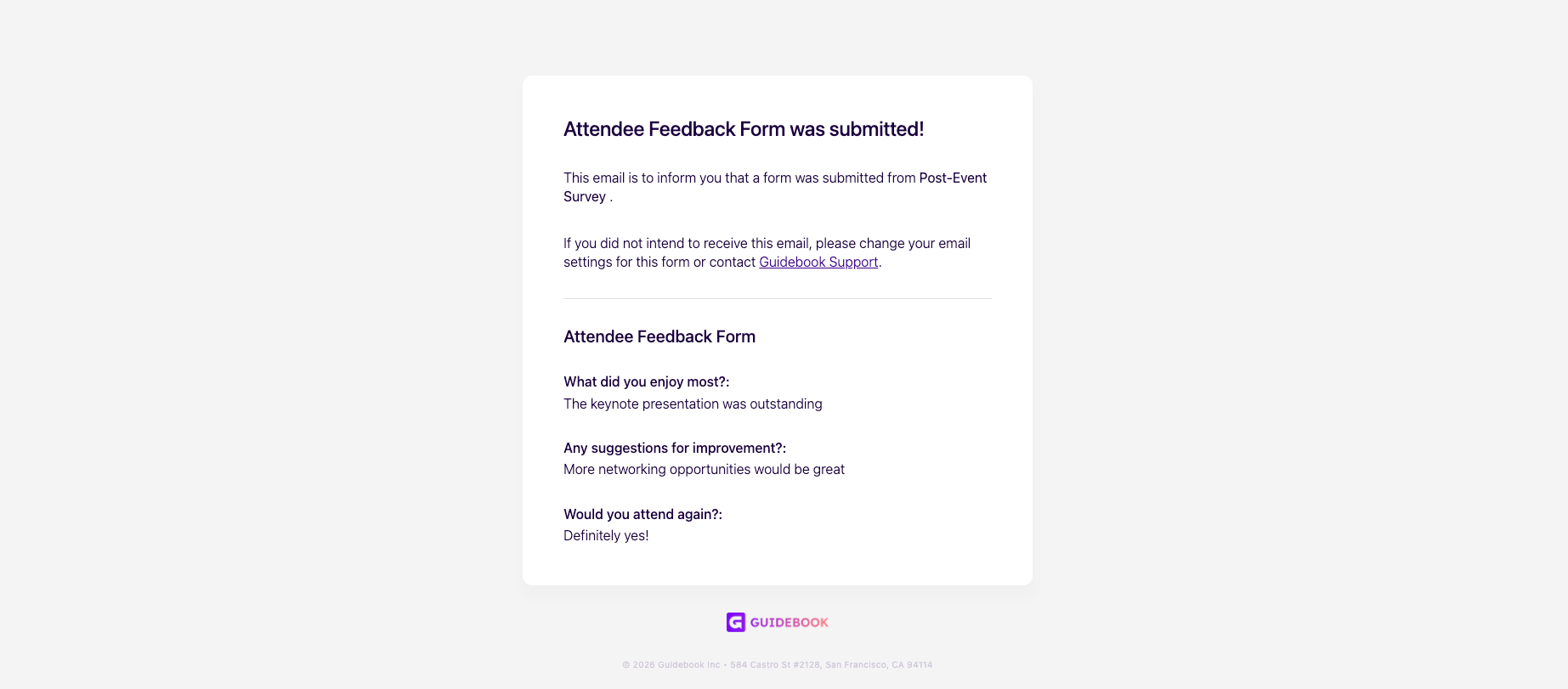
A stronger fit across your Guidebook workflow
Builder emails support many of the actions that keep your event moving, from registration touchpoints to guide publishing and attendee communication.
By improving these templates across so many workflows, this update helps create a more consistent experience throughout your broader Guidebook setup.
Guidebook has helped organizations run engaging events for years, and updates like this reflect the work happening behind the scenes to keep the platform dependable for planners like you.
These upgrades are now live and available in Builder. Login now to see them in action!
Plan with Confidence, Not stress
Get the complete event planning checklist with pre-event prep, day-of setup, and post-event follow-up all in one place..