A Smaller School?
Deliver a polished, branded event experience without a large team or a big budget.
A Smaller School?
Deliver a polished, branded event experience without a large team or a big budget.
Running Family Programs?
Give families everything they need, from schedules and maps to real-time updates, all in one place.
Running Family Programs?
Give families everything they need, from schedules and maps to real-time updates, all in one place.
Coordinating Move-In Day?
Share updates, manage events, and keep students informed from move-in through the academic year.

Coordinating Move-In Day?
Share updates, manage events, and keep students informed from move-in through the academic year.
Offering Campus Tours?
Deliver branded, self-guided tour experiences with interactive maps and rich media, available 24/7.

Offering Campus Tours?
Deliver branded, self-guided tour experiences with interactive maps and rich media, available 24/7.
Organising a Career Fair?
Simplify logistics for students, employers, and Career Services staff with one easy-to-use app.

Organising a Career Fair?
Simplify logistics for students, employers, and Career Services staff with one easy-to-use app.
Managing Alumni Events?
Plan reunions, regional events, and fundraising campaigns with an app built for alumni engagement.
Managing Alumni Events?
Plan reunions, regional events, and fundraising campaigns with an app built for alumni engagement.
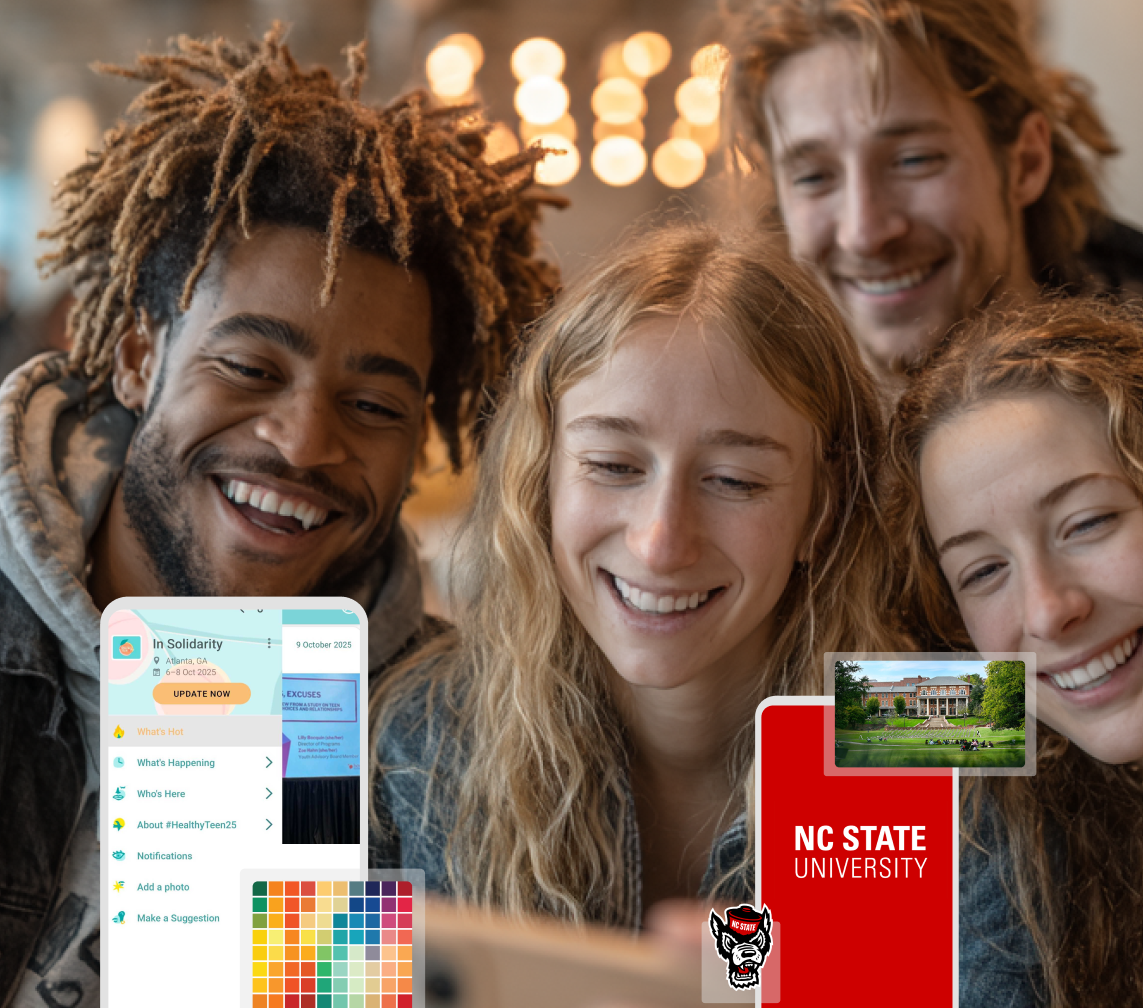
Boost Student Engagement
One hub for schedules, resources, and events that keeps students connected throughout the academic year.
Boost Student Engagement
One hub for schedules, resources, and events that keeps students connected throughout the academic year.
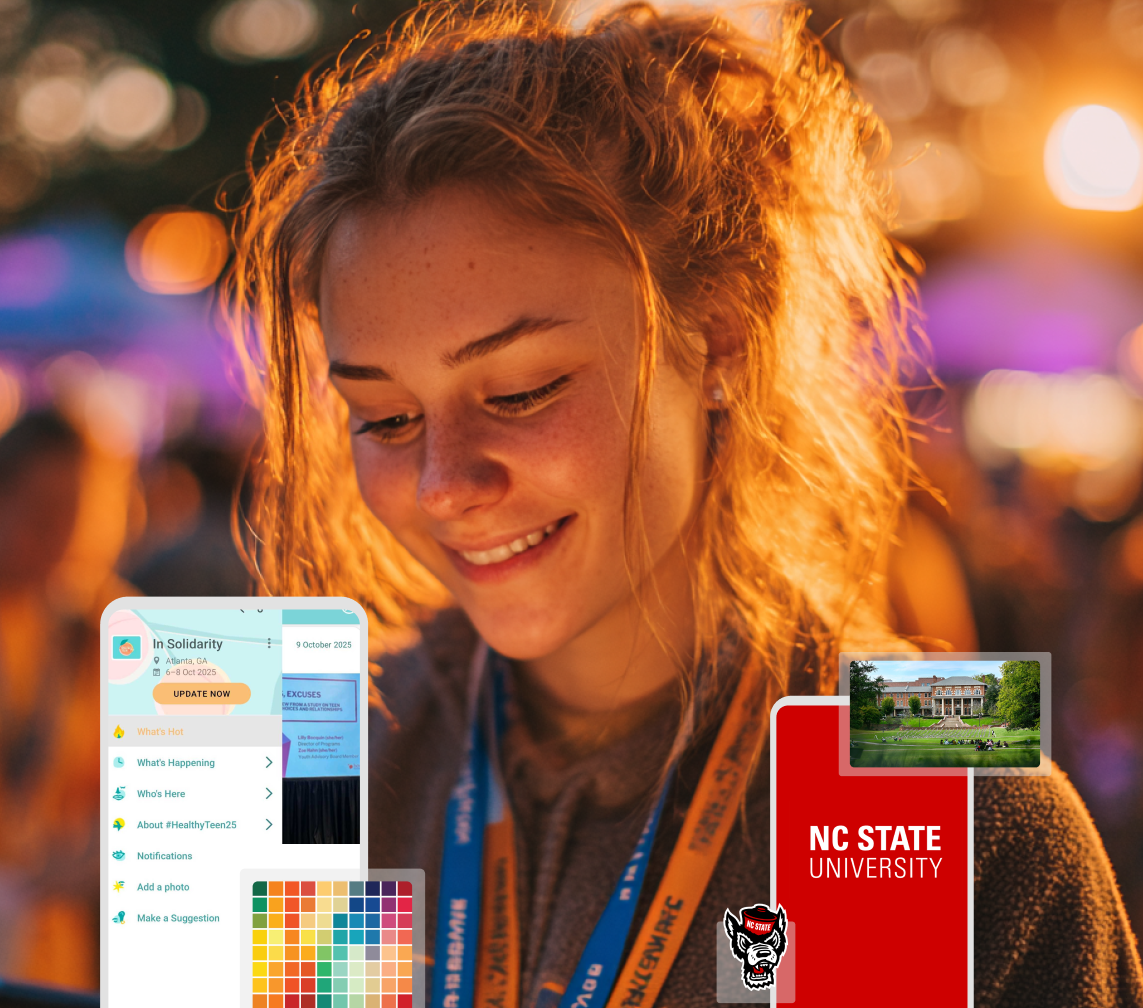
Planning Orientation?
Help new students feel prepared from day one with schedules, campus resources, and real-time updates in one app.
Planning Orientation?
Help new students feel prepared from day one with schedules, campus resources, and real-time updates in one app.
Running Admissions Events?
Manage open houses, tours, and yield events with a branded app that saves time and engages prospective students.

Running Admissions Events?
Manage open houses, tours, and yield events with a branded app that saves time and engages prospective students.
5 Ready-to-Use Sponsorship Package Templates
Stop starting from scratch. Grab free templates that help you build professional sponsorship packages and close deals faster.

5 Ready-to-Use Sponsorship Package Templates
Stop starting from scratch. Grab free templates that help you build professional sponsorship packages and close deals faster.
Plan Your Next Event Without Missing a Beat.
From venue selection to post-event wrap-up, this free checklist walks you through every step (so nothing falls through the cracks).
.png)
Plan Your Next Event Without Missing a Beat.
From venue selection to post-event wrap-up, this free checklist walks you through every step (so nothing falls through the cracks).
Real Results From Real Events
100,000+ organizations trust Guidebook. See exactly how universities, associations, enterprises, and more put it to work.

Real Results From Real Events
100,000+ organizations trust Guidebook. See exactly how universities, associations, enterprises, and more put it to work.
Flexible pricing for every event size
Find the perfect plan for your needs, from intimate gatherings to large-scale conferences.

Flexible pricing for every event size
Find the perfect plan for your needs, from intimate gatherings to large-scale conferences.
Join our event experts
Watch on-demand webinars and join live sessions with industry leaders sharing best practices for event success.
.jpeg)
Join our event experts
Watch on-demand webinars and join live sessions with industry leaders sharing best practices for event success.
Guidebook in Action
Book a personalized walkthrough and discover how we help event teams create better attendee experiences.
Guidebook in Action
Book a personalized walkthrough and discover how we help event teams create better attendee experiences.
.png)
Clemson Ditched Printed Orientation Schedules and Never Looked Back. Here's Their Playbook.
By the time Clemson University printed their orientation schedules, they were already outdated.
Parking locations changed. Sessions moved. Speakers cancelled.
And every year, Casey Ford's team handed incoming students and their families a beautifully designed booklet that no longer reflected reality…at exactly the moment those families needed to trust them most.
Casey is Interim Director of Student Transitions at Clemson University. Her office runs new student and family orientation, Welcome Week, and Family Weekend; a recurring calendar of high-volume events serving two very different audiences who have one thing in common: most of them have never been on campus before.
The fix wasn't just swapping paper for an app.
It was rebuilding how her entire team manages, updates, and delivers information in real time, across the entire academic year.
This is how they did it.
The Problem With Printed Schedules at Scale
Clemson's Student Transitions office runs orientation sessions throughout the summer, Welcome Week the week before fall classes begin, and Family Weekend each semester.
That's a lot of events, a lot of moving parts, and a lot of people who have never set foot on campus before.
Previous staff leaned heavily on printed materials: detailed, polished booklets handed to students and families at check-in.
The design was good. The intent was right. But the execution had a fundamental flaw.
As Casey put it:
The information in those publications was often out of date immediately by the time we had it printed. When students would arrive for events and we handed them the schedule — maybe we had a parking location change, maybe we had some sessions that had to be moved to different times — what we were handing them was no longer really an accurate guide to what they were about to experience.
That's not a minor inconvenience when you're welcoming first-generation students and their families to a campus they've never navigated before.
Inaccurate information at that moment erodes trust at exactly the wrong time.
The team needed something they could update in real time, at the moment a change happens.
Choosing a Branded App Over One-Time Guides
Clemson was already using Guidebook when Casey joined the university.
But the way they've evolved their use of it reflects a deliberate strategic choice: rather than building a separate app for each event, they run everything through a single branded app called CU Events.
That decision pays off in a specific way Casey describes clearly.
When families arrive at orientation her team can make a genuinely compelling pitch: "You're going to use this app for Welcome Week. You're going to use it for Family Weekend in the fall and again in the spring. This isn't a one-time download. It's your guide for your entire time at Clemson."
On a campus where students and families are already being handed login credentials for multiple apps and portals, that argument matters.
A branded, multi-event app with a consistent identity is easier to justify than yet another single-use tool.
"Being able to show this branded app that we can say is going to be helpful for your entire time here at Clemson, and being able to bring campus partners into that fold as well, kind of supports that message," Casey explained.
Real-Time Editability: The Feature That Changes Everything
When Casey was asked what Guidebook's biggest value is for her team, she didn't hesitate.
Being able to craft an entire schedule that is then editable all the time, that's probably 90% of it for us. Being able to put as much detail as we want, being able to include resources that we know families are going to ask for later, and then also being able to have that information all visually represented in the way that it is, but also have the flexibility to change that at any point and have that still look really polished — that is by far our biggest win from Guidebook.
"
That's not a feature preference; it's an operational requirement.
When a session gets moved, a parking lot changes, or a speaker cancels an hour before their presentation, the team can update the guide immediately and every attendee sees the accurate information the next time they open the app.
No reprints. No frantic emails. No staff stationed at every door to verbally correct the schedule.
Cross-Training the Whole Team, Not Just One App Owner
Real-time updates only work if the right people can actually execute them. Clemson's solution is straightforward but worth highlighting: they cross-train everyone.
Every professional staff member has editor access to the guides.
During Welcome Week, student leaders who serve on the executive planning team also get back-end access. The goal is that at any given moment during a live event, multiple people can log in and push a change, without waiting for the one designated "app person" to become available.
"It's helpful to have at least three people — sometimes student assistants, sometimes a team of even more people — who have that competency. They've worked on it all year, they understand it, and they can get that messaging out to families and students truly in a matter of seconds," Casey said.
This approach also builds institutional knowledge over time, so when a team member is out, there's no gap in coverage.
When a student leader graduates, the next cohort gets trained. The system doesn't depend on any single individual.
Getting Parents to Actually Use the App
Students tend to adopt new apps with relatively little friction. Parents and families are a different story, and Casey's team figured out something genuinely useful here.
Telling families "download this app, you'll need it" in an email doesn't move the needle the way it does with students.
The messenger matters. So Clemson recruited a member of their Family Ambassador Board (a current Clemson parent volunteer) to film a short tutorial video of herself using the app.
The video shows her scrolling through the schedule, clicking on events, adding sessions to her personal schedule, and navigating the resources section.
It plays on a screen at orientation check-in and gets distributed in advance emails to incoming families.
"Trying to appeal to that group by having someone who might be a little more relatable and a little more closer to their perspective kind of join us in pitching that has been helpful," Casey explained.
The insight here is transferable to any audience that's skeptical of institutional messaging.
A peer saying "this worked for me" carries more weight than a staff member saying "you should use this."
If you have a parent volunteer board, an alumni network, or a student ambassador program, you already have the right messenger. You just need to ask them.
QR Codes on Badges: Solving Last-Mile Adoption
Even with pre-event emails, tutorial videos, and verbal reminders, some families will arrive at orientation without the app downloaded.
Clemson addresses it with a simple tactic that works precisely because it meets people at the moment they actually need the app.
They print the QR code on the back of every event badge at check-in.
Staff and student volunteers managing the check-in table have a short, trained script ready: scan this code, it takes you to CU Events, here's why you want it open today.
The badge is something attendees keep and reference throughout the event. The QR code is right there when someone realizes they don't know where their next session is.
It's a low-cost, high-impact bridge between pre-event communication and actual in-person adoption.
Maps That Actually Help First-Time Visitors
One feature Casey specifically called out as a "driving force" for app adoption is Guidebook's map functionality (but with an important nuance).
Early on, her team listed building names and addresses for event locations. That's not enough for someone who has never been to campus.
Clemson went back through every event in their guides and dropped precise Google Map pins for each location, so attendees can tap an event and get navigated directly to the right spot.
"Being able to open up a map on Guidebook and say, 'Hey, this is exactly where you need to go for this event, click this and you will be in the right spot' has been huge," Casey said. "Just based on navigational challenges of folks who are maybe on campus for the first time, I think that's a driving force in encouraging them to actually use that app."
The lesson: a map feature is only useful if it's precise.
Addresses and building names require local knowledge. A pinned location removes the guesswork entirely, and gives attendees a concrete, immediate reason to open the app.
Guidebook as the Primary Content Hub
Clemson doesn't treat their Guidebook guide as a companion to their website. They treat it as the website (at least for event-related information).
Registration details, family calendars, campus resources, session descriptions: all of it lives on Guidebook and gets linked repeatedly in every family communication.
Casey mentioned that their family portal emails include links to the Guidebook site seven times per message, sent to a list of over 50,000 families.
That level of repetition isn't accidental. Consolidating information into one platform means families know where to look, staff know where to update, and everyone avoids the confusion of information scattered across multiple sites and PDFs.
By the Numbers
Here's a quick snapshot of how Clemson's Guidebook implementation scales in practice:
- ~50,000 families receive emails linking to the Guidebook site — with up to seven links per message
- 5–6 editors have back-end access to the Welcome Week guide, including professional staff and student exec leaders
- 3 professional staff actively manage edits to guides throughout the year
- 2–3 weeks to build a guide from scratch the first time (significantly reduced with cloning and team familiarity).
- "A matter of seconds": Casey's description of how quickly a change can be pushed once the team is trained
- 3 years: how long Casey has been in her role; Guidebook was already in use when she arrived
- 90%: Casey's estimate of how much of their Guidebook value comes specifically from the editable schedule feature
Orientation App Features Clemson Uses Most
What Clemson Is Building Toward Next
Casey's team is already thinking about the next level of efficiency: connecting Guidebook directly to Clemson's university-wide calendar so that events entered in one place automatically populate the other.
Right now, her team inputs Welcome Week events into Guidebook and then separately inputs them into the university calendar. That’s two parallel workflows with redundant data entry.
The ask they've brought to their campus technology partners is whether those two systems can talk to each other.
"The ask was: is there a way to connect what you all are inputting on Guidebook and what we are used to inputting on the University calendar and make those talk to each other? That general idea of working smarter not harder…finding ways to do that would be my next step for Guidebook," Casey said.
It's a natural evolution for a team that has already streamlined their internal workflows significantly. The next frontier is eliminating the friction that still exists between tools.
Takeaways You Can Apply to Your Own Program
Whether you're just starting to evaluate a mobile app for orientation or you already have a Guidebook license you're not fully using, here are the most transferable lessons from Clemson's approach:
- Cross-train your entire team as editors: When changes need to happen during a live event, you need multiple people who can execute without a bottleneck.
- Use a peer video to onboard skeptical audiences: Recruit a current parent, alumni, or student to film a short tutorial. The messenger matters as much as the message when asking non-traditional audiences to adopt new technology.
- Put QR codes on event badges: Pair them with a brief trained script from staff or volunteers to convert in-person arrivals into app users at the exact moment they need it.
- Drop precise map pins, not just addresses: Go through every event location and pin it exactly. For first-time campus visitors, this single improvement can be the most compelling reason to open the app.
- Clone previous guides: Duplicate your prior guide and update only what's changed. Signature content, university messaging, and structure carry over and save significant production time.
- Treat your guide as the primary content hub: Publish everything in one place and link to it repeatedly across all communications. Consolidating your audience's attention on one platform makes information easier to find and easier to maintain.
Ready to Replace Your Printed Schedules?
If you're looking to move your orientation or campus event programs off printed schedules and into a real-time mobile experience that works for both students and families, we'd love to help. You can start building your app or book a demo with one of our product experts.
Frequently Asked Questions
[faq]
Q: How do universities manage last-minute changes to orientation schedules?
A: The most effective approach is a real-time editable mobile app where multiple trained staff members have editor access. Clemson's team can push a schedule change in seconds because they've cross-trained every professional staff member and key student leaders as back-end editors — so there's no single point of failure when something changes during a live event.
Q: How do you get parents and families to actually download and use a mobile app?
A: Institutional messaging alone often isn't enough for parent audiences. Clemson found success by recruiting a current parent volunteer to film a short tutorial video of herself using the app. That video plays at check-in and gets distributed in advance emails — and a peer demonstrating the app carries more weight than a staff member asking families to trust a new tool.
Q: What are the benefits of a mobile app over printed schedules for college orientation?
A: The most significant advantage is real-time editability. Printed schedules are inaccurate the moment they're produced — parking changes, session moves, and last-minute updates have no way to reach attendees. A mobile app lets teams push changes instantly, embed precise navigation, include resources families will reference throughout the year, and reduce both printing costs and paper waste.
Q: What features should a university orientation app have?
A: Based on Clemson's experience, the most valuable features are: an editable event schedule, precise map pinning (not just addresses), a personal schedule builder so attendees can save sessions, QR code access for on-site adoption, multi-editor admin access for team collaboration, and a web-hosted version that can serve as a content hub linked in email communications.
Q: How do small orientation teams manage real-time event updates without one person becoming a bottleneck?
A: The answer is deliberate cross-training. Clemson ensures every professional staff member and key student leaders have editor access and hands-on experience with the guide throughout the year — not just during events. When a change needs to happen in real time, the person managing the event on the ground can hand off the update to any colleague who can execute it immediately.
Q: Is a branded campus app worth it compared to a one-time event guide?
A: For institutions running multiple recurring programs throughout the year, a branded app makes a much stronger adoption argument. Clemson can honestly tell incoming families at orientation that they'll use CU Events for Welcome Week, Family Weekend in the fall, and Family Weekend in the spring — which turns a single download into a long-term habit and justifies the investment across an entire academic year rather than a single event.
Q: How do you manage a campus event app across multiple departments and events?
A: Clemson uses a single branded app — CU Events — across orientation, Welcome Week, and Family Weekend, with different departments contributing content. The key operational practices are shared editor access across teams, guide cloning to reuse base content between recurring events, and treating the Guidebook-hosted site as the primary content hub that all communications link back to.
Q How long does it take to build a guide for a new orientation program?
A: Clemson's first guide took approximately two to three weeks to build from scratch. With guide cloning and a trained team that has worked in the platform throughout the year, subsequent builds are significantly faster — primarily involving updates to existing content rather than building new structure from the ground up.
[/faq]
Plan with Confidence, Not stress
Get the complete event planning checklist with pre-event prep, day-of setup, and post-event follow-up all in one place..